Automating Client Onboarding: A Game Changer for Service Businesses
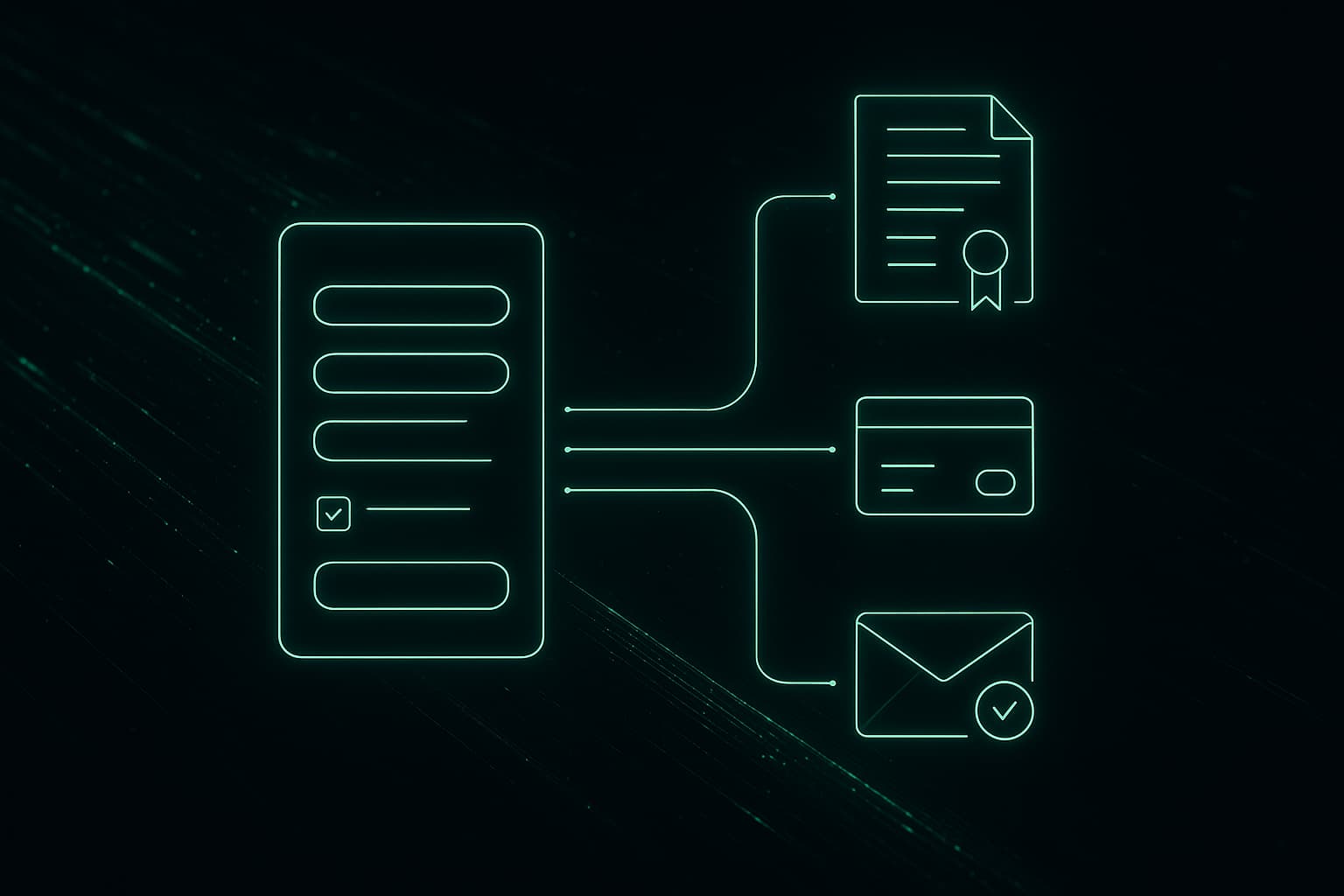
If you run a service business - an agency, consultancy, law firm, accounting practice, or contracting company - you know that onboarding a new client involves a predictable sequence of tasks: collect information, send contracts, process payments, set up accounts, send welcome materials, and schedule the kickoff. And if you're like most service businesses, this process involves a patchwork of emails, PDFs, manual data entry, and someone on your team spending hours per client making sure nothing falls through the cracks.
Client onboarding is one of the highest-impact processes to automate because it's repetitive, time-sensitive, and directly affects your client's first impression of working with you.
The Typical Manual Onboarding Process
Here's what onboarding looks like at most service businesses:
Each step requires a human to remember to do it, do it correctly, and do it in the right order. With one or two new clients per month, this is manageable. At five or ten per month, it becomes a full-time job for someone - and things start falling through the cracks.
What Automated Onboarding Looks Like
Now imagine this: a new client fills out a single intake form. Everything else happens automatically.
The client experience:
Behind the scenes:
Same outcome. Zero manual work.
Real Workflow Examples
Agency Onboarding Automation
A digital marketing agency automated their onboarding with this workflow:
Trigger: Client submits intake form (built with a custom multi-step form)
Automated steps:
- A welcome email sequence starts (3 emails over 5 days)
- A project board is created in Monday.com with pre-populated tasks
- The assigned account manager gets a Slack notification with a client brief
Result: Onboarding time dropped from 3-4 hours per client to 15 minutes (the time spent reviewing the intake form and approving the auto-generated SOW). With 8-10 new clients per month, that saved roughly 30 hours of administrative work monthly.
Consulting Firm Onboarding
A management consulting firm had a more complex onboarding that required collecting sensitive financial documents:
Trigger: Signed engagement letter (via PandaDoc)
Automated steps:
Result: Document collection time dropped from an average of 3 weeks to 5 days. The automated reminders and clear portal reduced client confusion and eliminated the "I sent it to the wrong email" problem entirely.
Contractor Onboarding
A home services contractor automated new job onboarding:
Trigger: Customer books via the website
Automated steps:
Result: Scheduling errors dropped to near zero. Customer satisfaction scores increased 31% due to proactive communication. The office manager who previously spent 4 hours daily on scheduling and communication was reassigned to business development.
Time Savings Calculations
Let's quantify the impact for a service business onboarding 10 new clients per month:
| Task | Manual Time | Automated Time |
|------|-------------|----------------|
| Data entry into CRM | 15 min | 0 min |
| Contract generation | 20 min | 2 min (review only) |
| E-signature follow-up | 30 min | 0 min |
| Invoice creation and sending | 10 min | 0 min |
| Payment follow-up | 20 min | 0 min |
| Welcome email and materials | 15 min | 0 min |
| Account setup | 15 min | 0 min |
| Kickoff scheduling | 20 min | 0 min |
| Internal notifications | 10 min | 0 min |
| Total per client | 2.5 hours | ~15 min |
| Monthly (10 clients) | 25 hours | 2.5 hours |
That's 22.5 hours saved per month. At $40/hour for administrative staff, that's $900/month or $10,800/year in direct labor savings. But the indirect benefits are often larger: faster time-to-start means faster revenue recognition, fewer errors mean fewer awkward client conversations, and a polished onboarding experience sets the tone for the entire relationship.
Tools vs Custom Solutions
You have two paths to automated onboarding:
Off-the-Shelf Tools
Tools like Dubsado, HoneyBook, and Practice Better offer built-in onboarding workflows for specific industries. These work well if your process fits their assumptions.
Pros: Quick to set up, no development cost, built-in templates
Cons: Limited customization, monthly fees that grow with usage, you're constrained by their workflow logic, data lives in their system
Custom Automation
Using tools like n8n, Make, or custom code to connect your existing systems (CRM, payment processor, email, project management) into an automated workflow.
Pros: Fully tailored to your process, connects your existing tools, you own the workflow, scales without per-seat pricing
Cons: Higher upfront cost, requires technical setup, needs maintenance
The Hybrid Approach
Many businesses start with an off-the-shelf tool for basic automation, then graduate to custom solutions as their needs become more specific. This is a perfectly valid strategy - you get immediate benefits while learning what your actual requirements are.
Getting Started
If you're ready to automate your onboarding, start here:
At SIQstack, we build custom onboarding automation for service businesses. We start by mapping your existing process, identify the highest-impact automation opportunities, and build a system that fits seamlessly into your current tools. The result is an onboarding experience that's faster for your team, smoother for your clients, and scalable as your business grows.
Keep learning
A smarter Saturday, from Franco
AI news, useful tools, new projects, and practical lessons in the free SIQ Newsletter.
Next in this track · Automate the busywork