The Hidden Costs of Cheap Websites
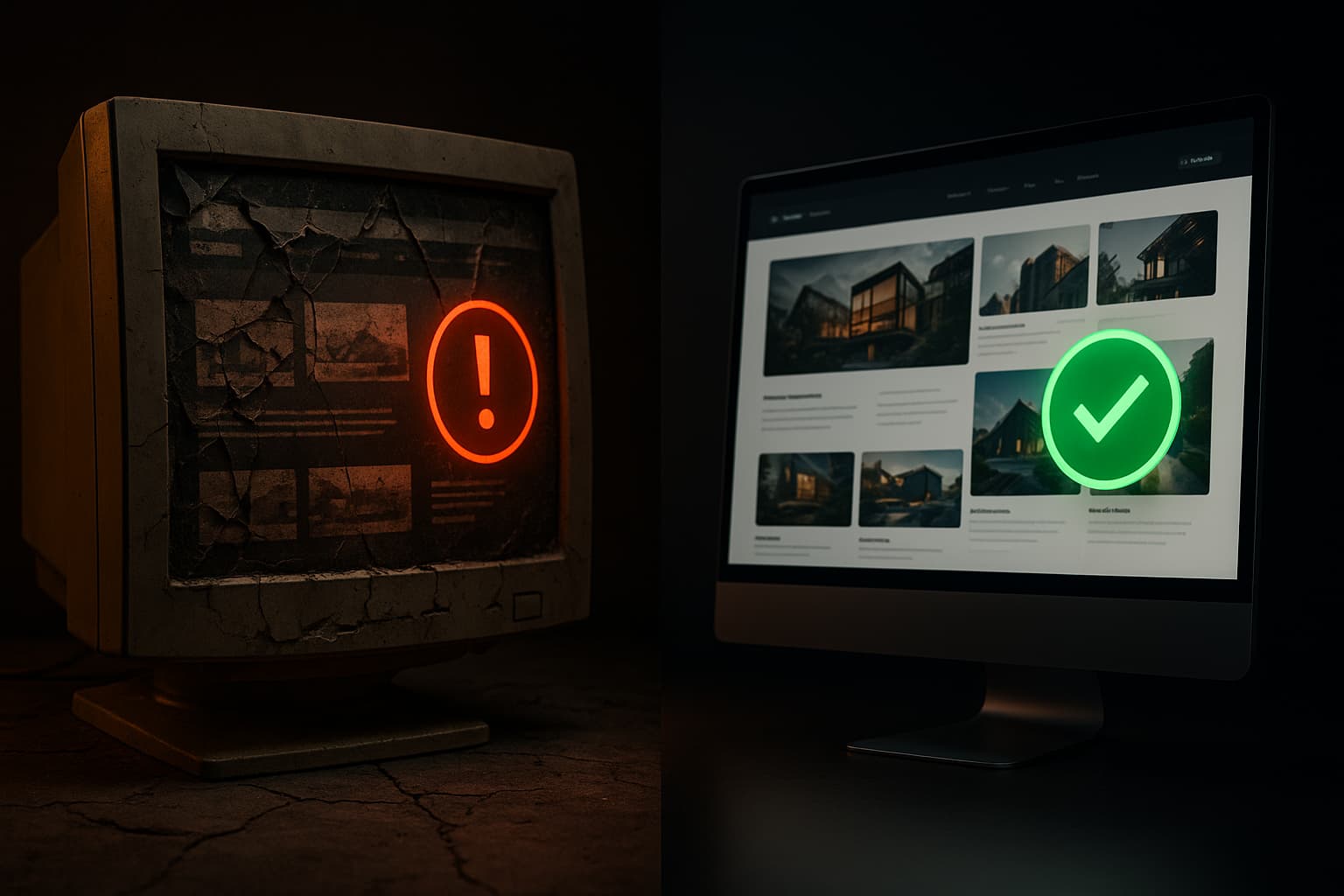
The pitch is compelling: "Professional website, $500, delivered in 3 days." You see it on Fiverr, Upwork, and in Facebook ads from freelancers promising the world for the cost of a nice dinner. And for some situations, budget development makes sense. But for many businesses, the gap between a $500 website and a professionally built one isn't just about aesthetics - it's about all the things that go wrong six months after launch.
This isn't about shaming anyone for their budget. It's about making sure you understand the true total cost of ownership before making a decision.
What $500 Actually Gets You
At $500, even a fast developer is spending at most 5-8 hours on your project. In that time, they can realistically:
That's it. There's no custom design, no performance optimization, no SEO strategy, no security hardening, no mobile-specific testing, and no consideration for your specific business needs. You're getting a template with your content pasted in.
For a personal blog or a hobby project, that might be perfectly fine. For a business that depends on its website to generate leads, build trust, and compete in its market, it's almost always insufficient.
The Hidden Costs
1. Security Vulnerabilities
Cheap WordPress sites are the single biggest target for hackers on the internet. A budget developer typically installs a handful of plugins, doesn't update them, doesn't configure security settings, and moves on. Within months, outdated plugins become known security vulnerabilities.
The real cost: A hacked website can mean stolen customer data (potential legal liability), Google blacklisting your domain (devastating for traffic), and days of downtime while you scramble to find someone to fix it. Cleaning up a hacked WordPress site typically costs $500-$2,000 - so you've already doubled your investment just to get back to zero.
2. No SEO Foundation
Search engine optimization isn't a feature you bolt on later - it's baked into how a site is built. Cheap sites typically have:
The real cost: Every month your site isn't properly optimized for search is a month of lost organic traffic. If your competitor's well-built site ranks on page one and yours is on page three, the difference in leads could easily be worth thousands per month. And retroactively fixing SEO on a poorly built site often requires a rebuild anyway.
3. Slow Load Times
Budget sites run on cheap shared hosting, use unoptimized images, load unnecessary plugins, and have bloated template code. Google's research shows that 53% of mobile users abandon sites that take longer than 3 seconds to load.
The real cost: If your site takes 5-6 seconds to load (common for budget WordPress sites), you're losing over half your visitors before they see your content. For a site that gets 1,000 monthly visitors and converts 3% to leads, a 50% bounce rate from slow loading means 15 lost leads per month. At even $200 per lead value, that's $3,000/month in lost revenue.
4. Template Limitations
Templates are designed for general use cases. The moment you need something specific to your business - a custom booking flow, a pricing calculator, a multi-step intake form, conditional content based on user selections - you're stuck. Either the template can't do it at all, or you need a developer to hack around its limitations (which often costs more than building custom in the first place).
The real cost: Business requirements change. You'll need to add features, modify workflows, or integrate new tools. Every modification to a template-based site carries the risk of breaking something else, and finding a developer who can work within the constraints of someone else's template code is harder and more expensive than modifying well-structured custom code.
5. Zero Support
When your $500 developer delivers the site, the relationship is typically over. There's no ongoing support, no one to call when something breaks, and no one who understands how your site is built. When you eventually need changes, you'll be hiring a new developer who has to reverse-engineer the existing setup before they can make any modifications.
The real cost: The first time something breaks (and it will), you'll spend time finding a new developer, time explaining what you need, and money paying them to understand and fix someone else's work. This "discovery tax" often runs $200-$500 before any actual work begins.
6. Migration Costs
This is the one nobody thinks about upfront. When you outgrow your cheap site - and growing businesses always do - migrating to a proper platform is expensive. Content needs to be restructured. URLs need to be redirected (or you lose all your SEO equity). Designs need to be rebuilt. Integrations need to be reconnected.
The real cost: A migration from a budget WordPress site to a professionally built platform typically costs $3,000-$8,000, depending on the amount of content and functionality involved. That's on top of whatever you paid for the original site and whatever you've spent patching it along the way.
Adding Up the True Cost
Let's run the numbers on a realistic scenario:
| Item | Cost |
|------|------|
| Initial cheap website | $500 |
| Hosting (cheap shared, per year) | $120 |
| Security cleanup after hack (year 1) | $1,000 |
| Lost leads from slow load times (12 months) | $18,000+ |
| Emergency fixes and plugin updates | $600 |
| SEO retrofit attempt | $1,500 |
| Eventually rebuilding properly | $5,000+ |
| Total cost over 2 years | $26,720+ |
Compare that to a professionally built site at $5,000-$10,000 upfront that includes proper security, SEO, performance, and a foundation that grows with your business. The "expensive" option is often cheaper within the first year.
When Cheap Does Make Sense
To be fair, there are situations where a budget website is the right call:
In these cases, a $500 site serves its purpose because the stakes are low and the timeline is short.
What Professional Development Includes
When you pay for professional web development, you're not just paying for a prettier site. You're paying for:
The Bottom Line
The question isn't "how little can I spend on a website?" It's "what's the cost of getting this wrong?" For a personal blog, getting it wrong costs nothing. For a business that depends on its web presence, getting it wrong costs real revenue, real time, and real opportunity.
At SIQstack, we're straightforward about this: if a budget template genuinely meets your needs, we'll tell you that. We're not in the business of convincing people to overspend. But when the stakes are real - when your website is your primary lead generation tool, your customer's first impression, and the foundation of your digital presence - cutting corners on development is one of the most expensive decisions you can make.
Keep learning
A smarter Saturday, from Franco
AI news, useful tools, new projects, and practical lessons in the free SIQ Newsletter.
Next in this track · Get found on Google